

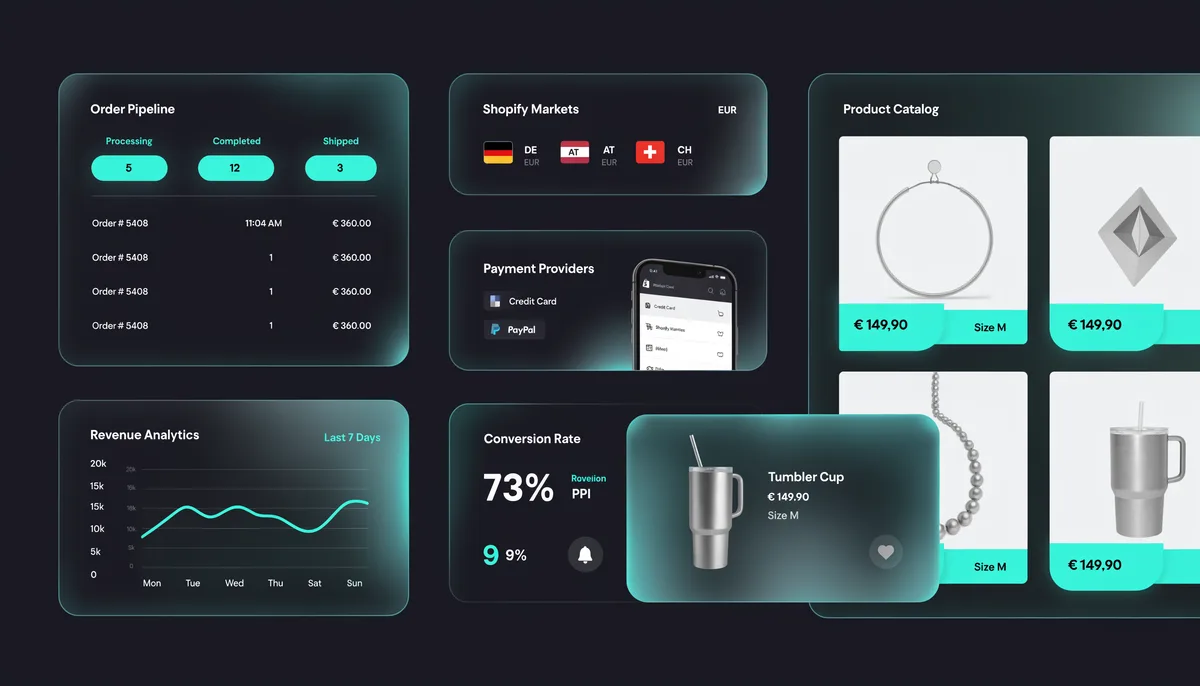
Discover the top web design trends 2026 driving real conversions for online stores. Learn which UX patterns, layouts, and tools deliver measurable results.
The rules of online retail keep shifting. In 2026, web design trends are no longer just about aesthetics — they are directly tied to revenue. Shoppers are more demanding, attention spans are shorter, and the gap between a store that converts and one that doesn't often comes down to a handful of deliberate design decisions. Whether you're running a WooCommerce shop or a Shopify storefront, understanding what works right now is essential.
Why Conversion-Focused Design Matters More Than Ever
Google's Core Web Vitals, AI-powered shopping assistants, and an explosion of mobile-first browsing have collectively raised the bar for what 'good design' means. A visually stunning site that loads slowly or buries the call-to-action is now actively punished — both by algorithms and by impatient shoppers. Conversion-focused design means every element on the page earns its place by guiding the visitor toward a purchase, signup, or inquiry.
Studies from the Baymard Institute consistently show that usability issues — not price or product quality — are the primary reason for cart abandonment. In 2026, fixing those friction points through smart design is one of the highest-ROI investments a store owner can make.
Trend 1: Radical Simplicity and Purposeful White Space
After years of maximalist design experiments, the pendulum has swung back to clarity. The best-converting stores in 2026 use generous white space, a tight color palette, and a clear visual hierarchy. Every page has one primary action — and everything else supports it. This is not minimalism for minimalism's sake; it's removing every element that could dilute the conversion message.
Lightweight Themes Are Leading the Charge
Performance is inseparable from simplicity. Themes like GeneratePress and Astra have become the go-to foundations for high-converting WordPress and WooCommerce stores precisely because they start fast and stay fast. A sub-2-second load time is no longer impressive — it's the baseline expectation.
- Use a single hero message per page — one headline, one supporting line, one CTA
- Limit decorative elements that don't reinforce trust or guide the eye
- Test white space variations: more breathing room around product images consistently lifts click-through rates
- Choose a theme built for speed — GeneratePress and Astra both score excellently on Core Web Vitals out of the box
Trend 2: Micro-Interactions and Motion with Purpose
Subtle animations are no longer a luxury add-on — they are a communication tool. When a user hovers over an 'Add to Cart' button and it responds with a gentle pulse, or when a product image smoothly transitions to a second angle, these micro-interactions reduce uncertainty and build confidence. In 2026, the stores winning on conversion use motion sparingly but strategically.
What Works and What Hurts
The key distinction is intentionality. Animations that draw attention to the next logical step — scrolling hints, button state changes, loading confirmations — help users understand what is happening and what to do next. Animations that exist purely for visual flair, especially those that delay content rendering, hurt both performance and conversions. According to web.dev by Google, keeping animations under 100ms response time preserves the feeling of direct manipulation.
Trend 3: Social Proof Integrated into the Design Layer
Displaying reviews is table stakes. In 2026, the design trend is weaving social proof directly into the layout — not tucking it away at the bottom of the product page. This means star ratings visible in the hero section, real customer photos inside the product carousel, and live purchase notifications positioned near the CTA. Trust signals have to be visible before the user has a reason to scroll.
Dynamic Trust Signals
Pairing real-time inventory counts ('Only 3 left'), recent purchase popups, and verified review counts creates a layered trust architecture. Each element independently nudges the visitor closer to a decision. The challenge is avoiding dark patterns — urgency cues must be genuine or they erode brand trust faster than they build it. Shopify's own research confirms that authentic social proof elements placed above the fold can lift conversion rates by 15–30%.
Trend 4: Mobile-First Is Now Mobile-Only Thinking
Over 70% of e-commerce traffic in the DACH region now originates from mobile devices. 'Mobile-first' as a design philosophy is no longer aspirational — it's the baseline. The 2026 approach is to design the mobile experience first and then scale it up for desktop, rather than the reverse. This affects everything from tap target sizes (minimum 48×48px per WCAG guidelines) to checkout flow design.
Streamlined Mobile Checkout
The checkout page remains the biggest conversion leak for most stores. In 2026, the winning pattern is a single-page or two-step checkout with autofill support, digital wallet options prominent at the top (Apple Pay, Google Pay), and no mandatory account creation. Every additional field in a mobile checkout form costs you conversions — the data is consistent and unambiguous on this point.
- Design tap targets to be at least 48×48px — thumbs are not precision instruments
- Show digital payment options (Apple Pay, Google Pay) before the card form
- Reduce form fields to an absolute minimum — address autofill is non-negotiable
- Use sticky 'Add to Cart' and 'Checkout' buttons that follow the user as they scroll
- Test your checkout on real devices, not just browser dev tools
Trend 5: AI-Personalization Reflected in Design Flexibility
Artificial intelligence is reshaping how stores present themselves to individual visitors. In 2026, leading e-commerce platforms dynamically adjust homepage layouts, featured products, and even color schemes based on browsing behavior and purchase history. This is not science fiction — it's available today through tools integrated into both WooCommerce and Shopify. The design implication is that your theme and component architecture must be flexible enough to support dynamic content injection without breaking the visual language of your brand.
Designing for Dynamic Content
Grid-based layouts with clearly defined content zones make it far easier to swap in personalized blocks without layout shifts. Block-based WordPress editors and headless architectures are gaining traction specifically because they support this kind of flexibility. If your store still relies on a rigid, static page template, 2026 is the year to rearchitect — or at minimum to start planning that transition.
Putting It All Together: An Action Plan for Store Owners
The trends above are not independent — they compound. A fast, simple layout loaded with authentic social proof, optimized for mobile checkout, and capable of serving personalized content is a fundamentally different machine than a typical online store built three years ago. The good news is that none of this requires starting from scratch. Incremental improvements, tested systematically, deliver measurable results within weeks.
- Audit your current site speed and Core Web Vitals — use PageSpeed Insights as your baseline
- Switch to a performance-first theme if your current theme scores below 85 on mobile
- Move your most compelling social proof above the fold on product and category pages
- Conduct a mobile checkout audit — time yourself completing a purchase on your own site on a real phone
- Define your personalization roadmap — even basic 'recently viewed' and 'recommended for you' blocks are a meaningful start
Ready to Build a Store That Actually Converts?
NEXITO MEDIA designs and develops conversion-focused e-commerce experiences for WordPress and Shopify — from theme architecture to checkout optimization. Let's talk about your store.
Explore Our Web Design Services