

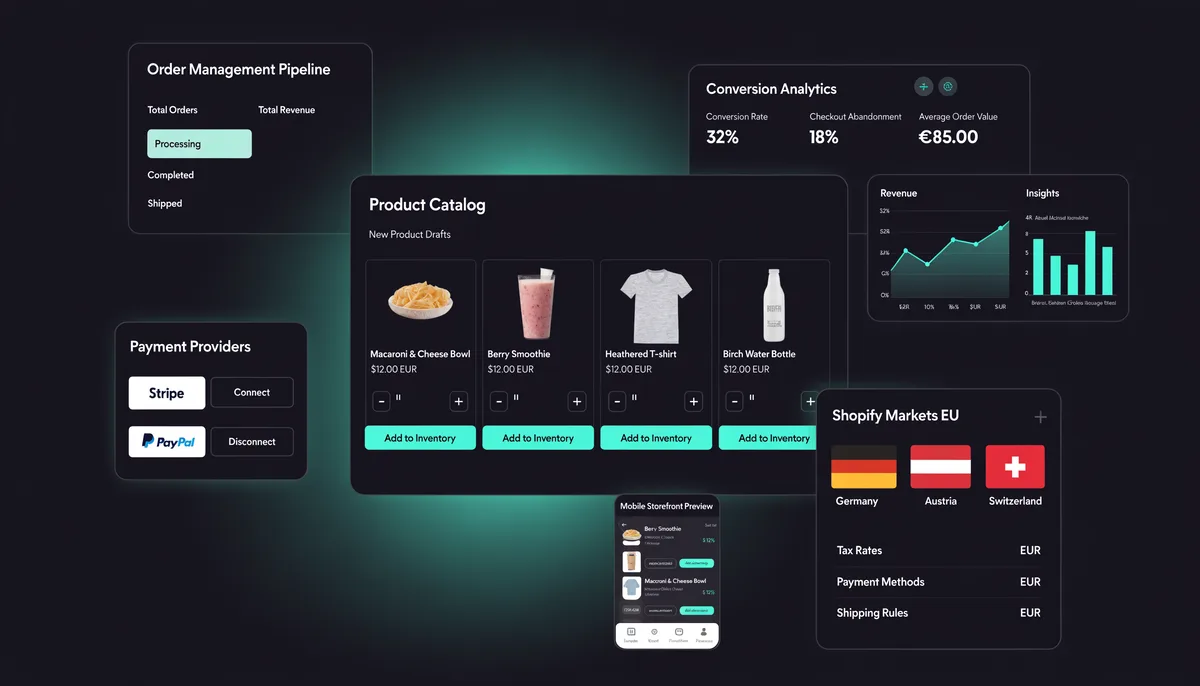
Core Web Vitals 2026 demand faster stores than ever. Learn how to hit Google's LCP 2.0s standard in WooCommerce and Shopify with proven INP and performance fixes.
Google's performance bar keeps rising. In 2026, the Largest Contentful Paint (LCP) threshold for a 'Good' score sits at 2.0 seconds, down from the earlier 2.5s benchmark — and e-commerce stores are feeling the pressure most. A slow WooCommerce checkout or a bloated Shopify product page doesn't just frustrate shoppers; it actively suppresses your search rankings. This guide breaks down every actionable tactic to pass Core Web Vitals in 2026 on both platforms.
Why Core Web Vitals Matter More Than Ever in 2026
Google confirmed in its 2026 Search Quality Guidelines update that Core Web Vitals — LCP, INP (Interaction to Next Paint), and CLS — carry increased weight in the Page Experience signal. For e-commerce, that translates directly to revenue. Studies by the Web Performance Working Group consistently show that every 100ms improvement in LCP correlates with a 1–2% lift in conversion rates. Retailers who ignore this data are leaving money on the table.
The Three Metrics You Must Own
- LCP (Largest Contentful Paint): Must be under 2.0s at the 75th percentile of real users. This is typically your hero product image or above-the-fold banner.
- INP (Interaction to Next Paint): Replaces FID. Target under 200ms. Critical for filter panels, add-to-cart buttons, and quantity selectors.
- CLS (Cumulative Layout Shift): Stay under 0.1. Caused by late-loading fonts, images without dimensions, and injected banners.
LCP Optimization for WooCommerce Stores
WooCommerce stores built on WordPress have the most levers to pull — and the most ways to go wrong. The single biggest LCP win is switching to a performance-first hosting environment. Cloudways runs WooCommerce on NVMe-based cloud servers with built-in object caching and a global CDN, consistently cutting server response times (TTFB) to under 200ms, which is the foundation every other optimization builds on.
Choose a Lightweight Theme
Your theme is the second-largest LCP factor after hosting. Heavy page builders with dozens of CSS files and JavaScript bundles destroy LCP before a single plugin loads. Switching to GeneratePress or Astra — both of which load under 50KB of CSS on a clean install — can shave 400–700ms off your LCP in isolation. Both themes are WooCommerce-compatible and ship with block-editor support for 2026 FSE workflows.
Preload the LCP Image
For most WooCommerce stores, the LCP element is the first product image or a hero banner. Add a preload hint in your theme's header to tell the browser to fetch it immediately. Here is the recommended tag format:
<link rel="preload" as="image" fetchpriority="high"
  href="/wp-content/uploads/hero-product.webp"
  imagesrcset="hero-product-400.webp 400w, hero-product-800.webp 800w"
  imagesizes="(max-width: 600px) 400px, 800px">
Eliminate Render-Blocking Resources
Use the Chrome DevTools Coverage panel or Google PageSpeed Insights to identify unused CSS and JS. In WooCommerce, common offenders include Jetpack scripts, full WooCommerce cart JS loaded on non-shop pages, and contact form stylesheets. A plugin like Asset CleanUp or the built-in asset management in Astra Pro can conditionally remove these per page type, reclaiming 200–500ms of LCP time.
LCP and INP Optimization for Shopify Stores
Shopify's managed infrastructure means you don't control the server, but you still control the theme, the apps, and the critical rendering path. The 2026 Shopify Web Performance Dashboard (available under Online Store > Analytics) now surfaces real-user CWV data from Chrome UX Report, so you can see exactly which pages fail before Google penalizes them.
Audit and Remove Unused Shopify Apps
Every Shopify app that injects a script tag adds to your INP and LCP budget. Run a Shopify Theme Inspector audit to identify which apps are adding the most JavaScript. Replacing three slow third-party apps with a single integrated solution regularly drops Total Blocking Time by 300–600ms. For checkout optimization specifically, removing redundant pixel scripts from older marketing apps is one of the highest-ROI moves available.
Optimize Images with Native Lazy Loading and WebP
Shopify's Liquid templating now supports native WebP conversion via the `image_url` filter with the `format: 'webp'` parameter. Combine this with `loading='lazy'` on all below-the-fold product images and `fetchpriority='high'` on the first product image. This two-line change in your theme's product card snippet can move LCP scores from the 'Needs Improvement' to 'Good' range on collection pages.
INP: The Hidden Conversion Killer in 2026
INP replaced First Input Delay in March 2024 and many stores still haven't fully adapted. While LCP measures load speed, INP measures how quickly your store responds to user interactions — clicks, taps, and keyboard inputs. For an online shop, the most business-critical INP moments are the add-to-cart button, the variant selector, and the checkout initiation button.
Diagnose INP with Field Data
Lab tools like Lighthouse can't reliably measure INP because it depends on real user interactions. Instead, use the Chrome UX Report (CrUX) via the PageSpeed API or Google Search Console's Core Web Vitals report. Filter by device type — mobile INP is almost always 2–3x worse than desktop and is where most e-commerce stores fail the 200ms threshold.
Reduce JavaScript Execution on Interaction
Long tasks on the main thread are the primary cause of poor INP. In WooCommerce, the cart AJAX calls are frequent culprits. Defer non-critical event listeners, break up long tasks with scheduler.yield() (now widely supported in 2026 browsers), and move cart logic to a Web Worker where possible. In Shopify, the Dawn theme's Section Rendering API already does this well — if you're on a custom theme, adopt the same pattern.
Server-Side and Infrastructure Wins for Both Platforms
No amount of front-end optimization compensates for a slow server. For WooCommerce stores, the stack matters enormously. Cloudways on Google Cloud or AWS infrastructure with Redis object caching, full-page caching via Breeze or W3 Total Cache, and a Cloudflare CDN in front creates a setup where TTFB consistently lands under 150ms globally — the prerequisite for hitting LCP 2.0s. For Shopify, enabling Shopify's native CDN for all theme assets and using a third-party CDN for externally hosted fonts covers the infrastructure side.
Implement Critical CSS Inlining
Critical CSS — the styles needed to render the above-the-fold content — should be inlined in the HTML document. This eliminates a full render-blocking round trip. Tools like critical by Addy Osmani automate this for WordPress themes. In Shopify, you can manually inline critical styles in your theme.liquid layout file. This optimization alone typically moves LCP by 150–300ms on first load for new visitors without server cache.
Tracking Progress: Set Up Continuous CWV Monitoring
Optimization without measurement is guesswork. Set up real-user monitoring (RUM) using the web-vitals JavaScript library from Google, which sends field data to your analytics platform. Combine this with monthly automated Lighthouse CI runs in your deployment pipeline to catch regressions before they reach production. Review your Google Search Console Core Web Vitals report weekly during an active optimization sprint — it updates with a 28-day rolling average of CrUX data and is the authoritative signal Google uses to determine your Page Experience score.
Need Expert Help Hitting Core Web Vitals in 2026?
NEXITO MEDIA's SEO and performance team audits your WooCommerce or Shopify store and implements the fixes that move the needle — from server stack to front-end rendering.
Get Your SEO Performance Audit