

FluentCRM 2026 review: discover why this self-hosted WordPress CRM plugin is the top choice for WooCommerce email automation without monthly fees.
If you run a WooCommerce store and you're tired of paying $100+ per month for email marketing platforms like Klaviyo or ActiveCampaign, FluentCRM might be exactly what you've been waiting for. This self-hosted WordPress CRM plugin puts your entire customer relationship management — email campaigns, automation funnels, contact segmentation, and purchase tracking — inside your own WordPress dashboard. In this FluentCRM 2026 review, we break down every feature, pricing tier, and real-world use case so you can decide whether it's the right tool for your shop.
What Is FluentCRM and Who Is It For?
FluentCRM is a self-hosted email marketing and CRM automation plugin for WordPress, developed by WPManageNinja. Unlike SaaS tools that charge per subscriber, FluentCRM is installed directly on your WordPress site and stores all data in your own database. That means zero per-email costs and complete data ownership — a critical advantage for GDPR-conscious merchants operating in the DACH market.
The plugin is ideal for WooCommerce store owners, membership site operators, online course creators, and agencies managing multiple client campaigns. If your business relies on WordPress and you want powerful automation without vendor lock-in, FluentCRM is one of the most compelling options available in 2026.
FluentCRM 2026: Core Features Overview
Contact Management and Segmentation
FluentCRM's contact manager supports unlimited contacts (limited only by your server capacity), custom fields, tags, and dynamic lists. You can import contacts via CSV, sync them from WooCommerce, LearnDash, MemberPress, or form plugins like Fluent Forms and WPForms. Segmentation is flexible: tag-based rules let you target customers who purchased a specific product category, completed a course module, or haven't logged in for 30 days.
- Unlimited contacts stored in your own database
- Custom fields for contact profiles
- Dynamic smart lists based on tags and purchase history
- WooCommerce customer data sync (orders, lifetime value, product categories)
- Integration with LearnDash, MemberPress, and Fluent Forms
Email Campaign Builder
The drag-and-drop email editor in FluentCRM 2026 has been significantly improved. You get a block-based visual editor with responsive templates, conditional blocks, and merge tags for personalization. Campaigns support A/B testing for subject lines, and the analytics dashboard shows open rates, click rates, revenue attribution, and unsubscribe trends — all without leaving WordPress.
Marketing Automation Funnels
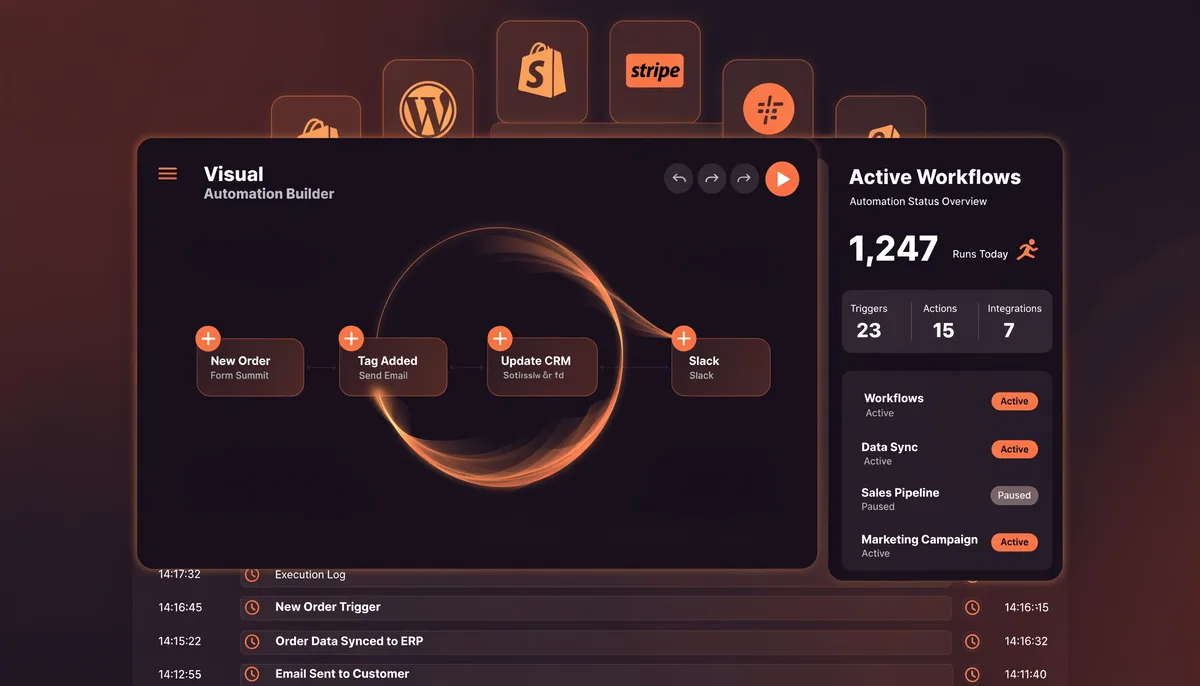
Automation is where FluentCRM truly shines. The visual funnel builder lets you create multi-step sequences triggered by WooCommerce events (order placed, abandoned cart, subscription renewal), form submissions, tag changes, or link clicks. Conditional branching, wait steps, and goal tracking make it possible to build sophisticated customer journeys that rival what you'd find in enterprise SaaS platforms.
- Trigger automations from WooCommerce orders, refunds, and subscriptions
- Abandoned cart email sequences without third-party plugins
- Conditional logic branches (if/else) based on tags or purchase data
- Goal-based automation: stop sequence when customer converts
- Re-engagement campaigns for inactive subscribers
FluentCRM Pricing: What You Pay in 2026
FluentCRM's pricing model is one of its strongest selling points. The free version available on WordPress.org covers basic email campaigns and contact management for small lists. The Pro version is a flat annual license — no per-subscriber fees. In 2026, pricing tiers are roughly as follows:
- Single Site License: ~$129/year — unlimited contacts on one domain
- Agency License (5 sites): ~$249/year
- Unlimited Sites: ~$499/year — ideal for WordPress agencies
Compare this to Klaviyo at $150/month for 10,000 contacts or ActiveCampaign at $99/month for equivalent features. Over a two-year period, FluentCRM Pro on a single site saves most WooCommerce merchants between $1,500 and $3,000. The only real ongoing cost is your hosting — and pairing FluentCRM with a reliable managed WordPress host like Cloudways ensures email deliverability and server performance stay high.
FluentCRM vs. SaaS Competitors: Honest Comparison
FluentCRM vs. Klaviyo
Klaviyo is the gold standard for Shopify stores, offering deep native analytics and predictive customer lifetime value modeling. However, for WordPress and WooCommerce stores, FluentCRM closes the gap significantly in 2026. Klaviyo's per-subscriber pricing becomes painful above 10,000 contacts, while FluentCRM scales for free. The trade-off: Klaviyo's deliverability infrastructure is better out of the box, and its pre-built Shopify segments are unmatched. For WooCommerce-native shops, FluentCRM wins on cost and data ownership.
FluentCRM vs. Mailchimp
Mailchimp is easy to set up but notoriously poor for advanced WooCommerce automation. Its free plan is limited, and the paid tiers feel overpriced for what you get. FluentCRM's automation engine is more powerful than Mailchimp's at every price point, and the WordPress-native experience — no API keys, no sync delays — is a genuine productivity advantage.
Setting Up FluentCRM on WooCommerce: Quick Start Guide
Step 1: Install and Configure
Install FluentCRM from the WordPress plugin repository or your Pro account dashboard. Run the setup wizard, connect your WooCommerce store, and import existing customer data. The WooCommerce integration automatically pulls in order history, customer lifetime value, product tags, and purchase frequency — no manual mapping required.
Step 2: Configure Your Email Sending
FluentCRM does not send emails itself — it relies on an SMTP service. For best deliverability, connect it to Amazon SES (incredibly cheap at $0.10 per 1,000 emails), SendGrid, or Brevo. The FluentCRM Pro addon for email sending via Amazon SES makes this setup nearly plug-and-play. Pair this with a fast WordPress host like Cloudways and you have an enterprise-grade email stack for under $30/month total.
Recommended SMTP stack for WooCommerce:
- Plugin: FluentCRM Pro
- SMTP: Amazon SES or SendGrid
- Hosting: Cloudways (DigitalOcean or Vultr)
- Cost estimate: ~$15-30/month total infrastructure
Step 3: Build Your First Automation
Start with the abandoned cart sequence: set a trigger for 'WooCommerce Cart Abandoned,' add a 1-hour wait step, then send a recovery email with a dynamic product block showing the exact items left in the cart. Add a follow-up 24 hours later with a discount code conditional on the cart not being recovered. This single automation typically recovers 8–15% of abandoned carts for WooCommerce stores.
GDPR and Data Privacy Considerations
For merchants operating in Germany, Austria, and Switzerland, data sovereignty is non-negotiable. Because FluentCRM stores all contact data in your own WordPress database — on servers you control — it eliminates the risk of cross-border data transfers to US-based SaaS providers. Combined with a GDPR-compliant opt-in form and a cookie consent solution like Borlabs Cookie, FluentCRM gives you a fully compliant email marketing setup. We recommend running our DSGVO Check Tool to audit your full compliance posture before launching campaigns.
Who Should Use FluentCRM in 2026?
- WooCommerce store owners with 1,000+ contacts looking to eliminate SaaS email fees
- Membership site operators using MemberPress or similar plugins
- Online educators using LearnDash who want automated course drip emails
- WordPress agencies managing email marketing for multiple clients
- DACH-market merchants who require data to remain on EU-based servers
Limitations to Know Before You Buy
FluentCRM is not perfect. Its reporting dashboard, while improved in 2026, still lacks the predictive analytics and revenue forecasting that Klaviyo offers. The plugin requires a capable server — on shared hosting, large automation sequences can time out. Email deliverability depends entirely on your SMTP configuration; misconfigure it and your campaigns land in spam. Finally, there is no native mobile app for managing contacts on the go.
If your WooCommerce store requires deep Shopify-style analytics or you're migrating from Shopify, consider pairing FluentCRM with a dedicated WooCommerce development partner to ensure your store architecture supports the kind of customer data FluentCRM needs to work at its best.
Need Help Setting Up FluentCRM for Your WooCommerce Store?
NEXITO MEDIA's WooCommerce specialists set up FluentCRM from scratch — SMTP configuration, automation funnels, GDPR compliance, and custom segmentation included. Get a free project estimate today.
Get Your Free WooCommerce Estimate